Terms of service review checklist for AI tools teams
When your team signs up for a new AI tool, whether it's a coding assistant, data analyzer, or customer service chatbot, the terms of service almost always sit b

Photo by RDNE Stock project from Pexels
When your team signs up for a new AI tool, whether it's a coding assistant, data analyzer, or customer service chatbot, the terms of service almost always sit buried in a checkbox you click without reading. That's where most hidden traps live: forced arbitration clauses, permission to train AI on your data, auto-renewal gotchas, and liability limits that leave you exposed. This checklist helps your team spot and understand those clauses before signing.
TL;DR
- Most AI tool terms include clauses that let vendors train on your data, lock you into arbitration, or auto-renew your contract, often without clear warnings.
- Build a repeatable review process: assign one reviewer, use a checklist template, and document red flags before your team commits.
- Focus on data ownership, payment terms, liability caps, and termination rules, these have the biggest real-world impact.
- Use Terms Doctor to auto-scan terms for 101 consumer-protection issues and flag high-risk clauses instantly.
- Never skip the "changes to this agreement" section; vendors update terms regularly, and you need to know when.
Why teams need a ToS review checklist

Legal departments don't exist to slow you down, they exist to keep you from signing agreements that cost money, time, or trust when things go wrong. Yet most product teams and freelancers sign AI tool terms without a second look, relying on the vendor's reputation or a quick skim.
Here's what goes missing: forced arbitration (you can't sue in court if they breach), indemnification clauses (you pay their legal bills if a third party sues them), data-training permissions (they can feed your files into their model), and auto-renewal traps (charges keep hitting your card until you remember to cancel).
Key takeaway: Unread terms cost more than the time it takes to review them. A 15-minute checklist upfront saves you from months of billing disputes, data leaks, or contract lock-ins.
The five areas your team must review
1. Data ownership and usage
The biggest risk in AI tool agreements is permission language. Check whether the vendor can:
- Train their AI model on your data or content
- Store your data after you delete it
- Share data with third parties or affiliates
- Use anonymized versions for product improvement
2. Payment and auto-renewal
Auto-renewal is the silent subscription killer. Find and confirm:
- Cancellation deadline (e.g., 7 days before renewal)
- Refund policy (full, partial, or none)
- Price increases (can they raise rates mid-contract?)
- Free trial terms (when does billing start? What triggers it?)
3. Liability and indemnification
These clauses define who pays if something breaks. Look for:
- Liability caps (often: "We're not liable for more than you paid us")
- Excluded damages (consequential, indirect, or punitive damages often excluded)
- Indemnification (you agree to cover their legal costs if a third party sues them)
- Service warranties (uptime guarantees, data recovery promises, security commitments)
4. Termination and data access
End-of-relationship terms are often written to trap you:
- Notice period (how long before your account closes?)
- Data export windows (days you have to download your files)
- Deletion timelines (when does the vendor purge your data?)
- Early termination fees (penalties for leaving before contract end)
5. Changes to the agreement
This is the clause that eats future readers alive. Confirm:
- How the vendor notifies you of changes (email? In-app banner? Website only?)
- Your right to opt out (can you cancel if terms get worse?)
- Effective date (does change take effect immediately or after a delay?)
Step-by-step review process

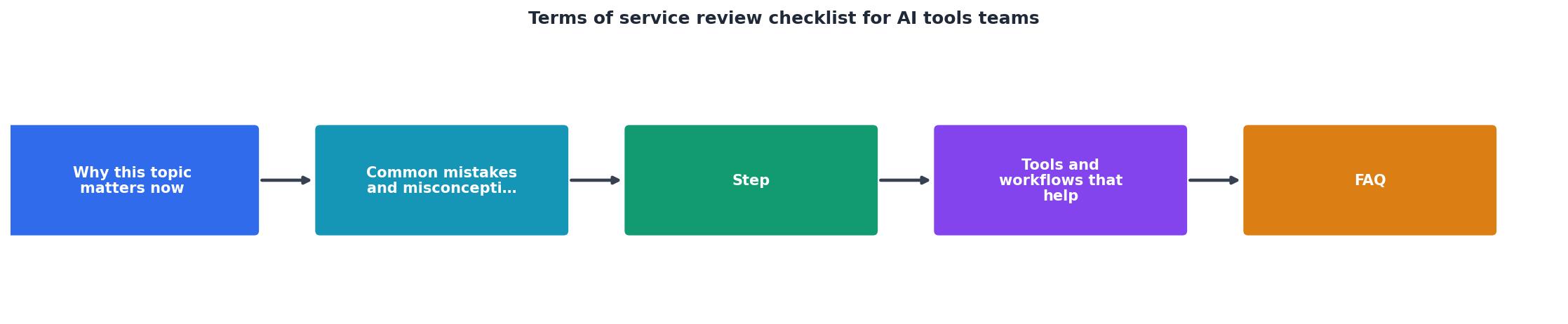
Building a repeatable process keeps reviews fast and thorough. Here's how:
- Assign a reviewer. One person per tool, usually your legal ops, compliance, or product lead. This person owns the decision.
- Run an automated scan. Use Terms Doctor (free, takes 10 seconds) to find 101 consumer-protection red flags automatically. Grade the terms A–F and see highlighted clauses.
- Use the five-area checklist. Work through data, payment, liability, termination, and changes. Document your findings in a shared template.
- Escalate high-risk issues. If you find forced arbitration, unilateral change rights, or data-training permissions you don't accept, loop in your legal contact or escalate to the vendor.
- Document the decision. Record what you approved, what you rejected, and why. Save this for audits and future negotiations.
- Set a review reminder. Check the terms again annually or when the vendor emails a major update.
The AI tools review checklist
AI Tools Terms of Service Review Checklist
Your progress is saved automatically in your browser.
Common red flags in AI tool terms
- "We may use your content to train our models." This means your proprietary data feeds their AI. Reject or demand an opt-out.
- "All disputes shall be resolved by binding arbitration." You lose the right to sue in court. Ask for opt-out language.
- "Unilateral right to modify this agreement." Vendor can change terms without your consent. Demand a termination right if changes are unfavorable.
- "Liability limited to fees paid in the previous 30 days." If you pay $50/month and suffer a $100k data breach, you recover $50. Negotiate a higher cap or exclude data-breach liability.
- "We may delete your data 30 days after account closure." You have a 30-day window to export. Mark your calendar or ask for 90 days.
How Terms Doctor helps your review

Manual ToS reading is slow and error-prone. Terms Doctor (free, open-source browser extension for Chrome, Edge, Brave, Opera, and Vivaldi) automates the hard parts:
- Finds terms on any site: You visit a tool's pricing page; Terms Doctor spots the ToS link and fetches it automatically.
- Runs 101 consumer-protection checks: Forced arbitration, AI training clauses, auto-renewal traps, liability caps, indemnification language, all scanned in seconds.
- Grades A–F: Get a plain-language risk score. Grade B? Read the checklist. Grade D? Escalate to legal before signing.
- Highlights red clauses: Dangerous language appears in red boxes; you don't hunt through 20 pages of legal text.
- Tracks changes: Subscribe to a vendor's terms; Terms Doctor emails you when they update.
FAQ
FAQ
Frequently Asked Questions
Get automated ToS scanning today
Manually reviewing AI tool terms costs time and catches fewer red flags than automated scanning. Terms Doctor is free, takes 10 seconds to install, and runs 101 consumer-protection checks automatically. Visit the Terms Doctor homepage to download for Chrome, Edge, Brave, Opera, or Vivaldi. Start with your current tool subscriptions, you might be surprised what you missed.
Reminder: This checklist and automated scanning are not legal advice. If you're signing a high-value contract or handling sensitive data, consult your legal team. Terms Doctor highlights risks; your judgment and legal counsel determine what to accept.
"The clauses reviewers miss cost the most.">, The Contract Review Checklist Every Legal Team Should Use
Additional Resources
- Free Terms of Service Review | AI ToS Analysis - Professional AI terms of service review identifies privacy concerns, liability issues, user rights problems, and compliance risks. Fast, expert analysis.
- Artificial Intelligence (AI) Agreements Checklist - 1. Define the Scope of Work and Deliverables · As with any technology contract, clearly define and describe the scope of services and ...
- The Contract Review Checklist Every Legal Team Should ... - AI tools can perform the first pass of a contract review. They extract key terms, compare drafts against standard positions, and flag deviations ...
Ready to Read Terms Before You Sign?
Terms Doctor finds terms of service on any site and grades them A-F in seconds.
Get Started“Terms Doctor flagged forced arbitration and AI training clauses in seconds. I finally know what I am agreeing to.”
Privacy-conscious shopper