Cookie policy review checklist for B2B SaaS teams
If your team evaluates B2B SaaS tools, whether you are the one signing the contract or the one approving the vendor, cookie policies deserve the same scrutiny a

Photo by Lisa Fotios from Pexels
If your team evaluates B2B SaaS tools, whether you are the one signing the contract or the one approving the vendor, cookie policies deserve the same scrutiny as pricing pages. A poorly written cookie policy can expose your company to regulatory fines, erode customer trust, and create data-handling liabilities that ripple through your entire supply chain. This checklist walks you through every section you should inspect before you click "Accept" on behalf of your organization.
TL;DR
- Cookie policies in B2B SaaS tools affect your company's compliance posture, not just the vendor's.
- Review cookie categories, consent mechanisms, third-party sharing, retention periods, and opt-out paths.
- Use a structured checklist so nothing slips through, especially during vendor onboarding sprints.
- Automated tools like Terms Doctor can flag red-flag clauses across 101 consumer-protection checks in seconds.
- A cookie policy review is not a one-time task; schedule recurring audits whenever the vendor updates their terms.
Why cookie policies matter for B2B SaaS buyers

When you embed a SaaS tool into your workflow, a project management app, an analytics dashboard, a CRM, its cookies often fire inside your employees' browsers and sometimes inside your customers' browsers too. Under regulations like the GDPR, ePrivacy Directive, and various US state privacy laws, the responsibility for lawful cookie use can extend to the data controller, which may be your company rather than the vendor.
Here is what is at stake:
- Regulatory fines. GDPR penalties can reach €20 million or 4 % of global annual turnover, whichever is higher. Cookie-consent violations have already triggered enforcement actions across the EU.
- Contractual liability. If your Data Processing Agreement (DPA) references the vendor's cookie practices and those practices change silently, you could be in breach of your own customer contracts.
- Reputation damage. End users increasingly notice intrusive tracking. A vendor that drops advertising pixels without clear disclosure reflects poorly on every company that integrates their product.
Key takeaway: Treating a vendor's cookie policy as "their problem" is a compliance gap, your team inherits the risk the moment the tool loads in a browser your organization controls.
The complete cookie policy review checklist
Below is the practical artifact your team can copy, print, or paste into your vendor-evaluation workflow. Each item maps to a specific compliance concern.
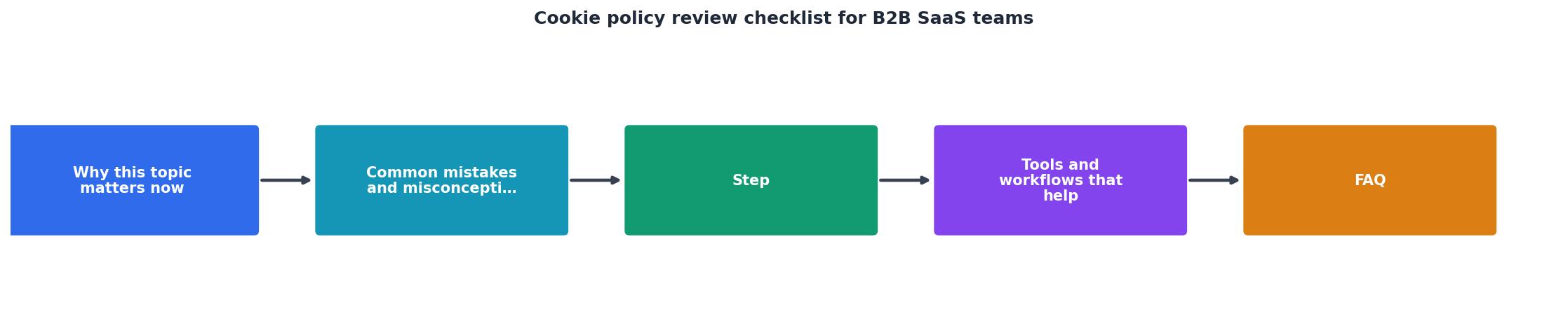
Cookie Policy Review Checklist for B2B SaaS Teams
Your progress is saved automatically in your browser.
Step-by-step: how to run a cookie policy review

Follow these steps every time you onboard a new SaaS vendor or receive a "we updated our terms" email.
- Locate the cookie policy. Start on the vendor's homepage. Look for a dedicated "Cookie Policy" link in the footer. If you cannot find one, check inside the main privacy policy for a cookies section. If neither exists, that is your first red flag.
- Scan with Terms Doctor. Install the free Terms Doctor extension for Chrome, Edge, Brave, Opera, or Vivaldi. Navigate to the vendor's site and let the extension automatically discover the terms of service and related policies. The 101-check scan will flag issues like vague data-sharing language, missing opt-out rights, and silent auto-renewal clauses, all in seconds with an A-F grade.
- Walk through the checklist above. Open the cookie policy side by side with the checklist. Mark each item as pass, fail, or unclear. For any "unclear" item, draft a specific question for the vendor's privacy team.
- Cross-reference the DPA. Pull up the Data Processing Agreement (or equivalent contract addendum). Verify that the data categories, sub-processors, and retention periods in the cookie policy match what the DPA promises.
- Test the consent mechanism. Open the vendor's site in an incognito window. Before clicking "Accept" on the cookie banner, open your browser's developer tools (Application → Cookies). Check whether any non-essential cookies have already been set. If they have, the vendor is not collecting consent before tracking, a clear GDPR violation.
- Document your findings. Record the review date, the policy URL, a screenshot of the cookie banner, and your pass/fail results. Store this in your vendor-management system so you can compare against future versions.
- Set a review cadence. Cookie policies change. Schedule a quarterly review or use Terms Doctor's change-tracking feature to get notified when the vendor updates their terms.
"Tip: Run a manual cookie scan after any significant site change, such as adding a new analytics provider, marketing pixel, or third-party widget, to catch compliance issues early.">, Cookie Compliance Review Checklist
Common red flags to watch for

Not every cookie policy problem is obvious. Here are the patterns that should make your team pause:
- "We may use cookies for advertising purposes" without listing which ad networks receive data. Vague language like this makes it impossible to assess your exposure.
- No cookie table at all. A policy that talks about cookies in general terms but never names a single cookie or provider is likely incomplete or outdated.
- Consent banner with no "Reject All" button. Under GDPR guidance, rejecting cookies should be as easy as accepting them. A banner that only offers "Accept" or "Manage Preferences" (with a buried reject option) is a compliance risk.
- Session cookies with multi-year expiration. If a cookie is described as "session-based" but its expiration is set to 365 days, the policy is misleading.
- Third-party cookies from data brokers. Seeing cookies from companies whose primary business is selling user data (rather than providing a functional service) is a serious concern.
- "By using this site you agree to our cookie policy." Implied consent through continued browsing is not valid consent under GDPR for non-essential cookies.
- No mention of sub-processors. If the vendor uses a consent management platform (CMP) or a tag manager that itself sets cookies, those should be disclosed.
How Terms Doctor speeds up the process
Manually reading every vendor's cookie policy is time-consuming, especially when your team evaluates dozens of tools per quarter. Terms Doctor automates the heaviest part of the work:
- Automatic policy discovery. The extension finds the terms of service, privacy policy, and cookie policy on any site, no hunting through footer links.
- 101 consumer-protection checks. The scan covers forced arbitration, AI training on user data, auto-renewal traps, data-sharing breadth, and much more. Cookie-related issues are highlighted alongside everything else.
- A-F grading. A single letter grade gives your team an instant gut check. An "F" on a vendor's terms page means you should read every line before signing.
- Plain-language explanations. Each flagged clause comes with a human-readable summary so non-lawyers on your procurement team can understand the risk.
- Change tracking. When a vendor quietly updates their cookie policy, Terms Doctor can alert you so your review stays current.
FAQ
Frequently Asked Questions
Take control of your vendor reviews
Reviewing cookie policies does not have to be a dreaded, hours-long chore. With a structured checklist and the right tooling, your team can evaluate a vendor's cookie practices in minutes instead of days. Install the free Terms Doctor extension to automatically discover policies, run 101 consumer-protection checks, and get an A-F grade on any site you visit. It works on Chrome, Edge, Brave, Opera, and Vivaldi, no account required, no cost. Pair it with the checklist above, and you will have a repeatable, auditable workflow that keeps your organization's compliance posture strong.
Disclaimer: This article is for informational purposes only and does not constitute legal advice. Automated checks are not a substitute for qualified legal counsel.
Additional Resources
- Cookie Compliance Review Checklist - 1. Website Cookie Scan Report · 2. Cookie Classification and Service Mapping · 3. Google Consent Mode Configuration Review · 4. GDPR Cookie Banner ...
- Privacy Compliance Check: Regular Review for SaaS Teams - Inventory cookies, trackers, and third-party scripts • Check whether non-essential tracking starts before a meaningful consent choice • Make “ ...
- GDPR Compliance for SaaS: Complete 2025 Guide ... - This comprehensive checklist provides step-by-step guidance for achieving complete GDPR compliance, with specific focus on challenges facing B2B ...
Ready to Read Terms Before You Sign?
Terms Doctor finds terms of service on any site and grades them A-F in seconds.
Get Started“Terms Doctor flagged forced arbitration and AI training clauses in seconds. I finally know what I am agreeing to.”
Privacy-conscious shopper