Worksheet: compare hidden fee escalation language across two ToS versions
Many SaaS tools, hosting platforms, and subscription services quietly change their pricing every year or two. They don't tell you loudly, instead, they hide fee

Photo by George Pak from Pexels
Many SaaS tools, hosting platforms, and subscription services quietly change their pricing every year or two. They don't tell you loudly, instead, they hide fee increases in dense legal language that reads the same in both old and new versions, even though the numbers shift. This worksheet helps you spot those buried changes by comparing how two versions of a Terms of Service handle price escalation, percentage caps, and notice requirements.
TL;DR
- Fee escalation clauses often use vague language like "market rates" or "reasonable increases" that give platforms legal cover to raise prices without your explicit consent.
- Companies frequently update ToS to loosen restrictions, watch for removal of percentage caps, shorter notice periods, or new exemptions for specific services.
- A side-by-side comparison reveals whether changes favor the consumer (longer notice, lower caps) or the company (easier raises, fewer restrictions).
- Terms Doctor's automated checks flag potential auto-renewal and price-change red flags, but this worksheet helps you do a deeper manual review.
- Tracking changes over time creates a paper trail if disputes arise.
Why compare fee escalation language across ToS versions?

Fee escalation clauses are among the most commonly updated sections of a Terms of Service. Here's why they matter:
- Hidden price increases are the most common complaint – Users sign up at $20/month, and three years later discover they're being billed $30 or $40 without a clear explanation of when or why the change happened.
- Language changes reveal intent – If old ToS says "increases capped at 5% per year" and new ToS removes that cap entirely, the company just gave itself permission to charge significantly more.
- Notice periods shrink – Many platforms change from "we'll tell you 30 days in advance" to "we'll tell you 14 days" or worse, "we can change this anytime," lowering your window to cancel.
- Exemptions multiply – Early versions might exclude certain features from price adjustments. Later versions remove those exemptions, exposing you to surprise increases across the board.
- Automatic acceptance replaces opt-in – Older ToS might require you to agree to a price change. Newer ones may treat continued use as consent, removing your choice to leave.
What to look for: red flags in fee escalation language
Understanding the exact phrases companies use to hide price increases helps you spot them faster. Here are the most common patterns:
Vague and unrestricted language
- "We reserve the right to adjust fees based on market conditions."
- "Pricing may change to reflect changes in costs, features, or market rates."
- "Fees are subject to change at any time."
- "We may modify pricing without prior notice."
Weak or removed caps
- Old ToS: "Annual increases shall not exceed 5%."
- New ToS: "Annual increases shall not exceed 10%." (doubled the limit)
- New ToS: "Increases are at the company's sole discretion." (cap removed entirely)
Shortened notice periods
- Old: "30 days' written notice before any price change."
- New: "14 days' notice via email to the address on file."
- New: "Continued use after posting constitutes acceptance." (no notice required)
Automatic acceptance vs. explicit opt-in
- Old: "You must agree in writing to accept any price change, or you may cancel."
- New: "If you continue using the service, you accept the new pricing." (no active agreement needed)
New exemptions
- Old: "Premium support and legacy plans are exempt from price increases."
- New: "All plans and services are subject to pricing adjustments." (exemption removed)
Step-by-step comparison worksheet

Follow this process to systematically compare two versions of a ToS:
Step 1: Gather both documents
- Download the current ToS from the company website.
- Use the Internet Archive Wayback Machine to find an older version (search for the domain and browse snapshots).
- Save both as PDFs with clear date labels:
Company_ToS_2022-06-15.pdfandCompany_ToS_2025-01-01.pdf.
Step 2: Extract the pricing section
- Open both PDFs side by side (or use a tool like Diff Checker for text comparison).
- Find the "Fees," "Pricing," "Payment," or "Billing" section in each version.
- Copy the full pricing clause into a spreadsheet or document for easier analysis.
Step 3: Search for escalation language
- Look for keywords: "increase," "change," "adjust," "modify," "raise," "market," "discretion," "notice," "cap," "limit," "percentage."
- Highlight any sentence that gives the company permission to charge more.
- Note the exact wording in both versions.
Step 4: Create a comparison table
| Aspect | Old ToS (Date) | New ToS (Date) | Change? | Impact |
|---|---|---|---|---|
| Notice period | 30 days | 14 days | ✓ Shorter | Less time to cancel |
| Cap on increases | 5% annually | No cap | ✓ Removed | Unlimited raises allowed |
| Opt-in requirement | Explicit written agreement | Continued use = acceptance | ✓ Weaker | No active choice needed |
| Exemptions | Legacy plans excluded | All plans included | ✓ Removed | Affects more customers |
| Effective date | 1st of month | Immediately | ✓ Faster | Less warning time |
Step 5: Spot the patterns
- Green flags (consumer-friendly): Longer notice periods, lower caps, explicit opt-in, broad exemptions, clear formulas for calculating increases.
- Red flags (company-friendly): Vague language, no caps, shortened notice, automatic acceptance, removal of exemptions, "at company's sole discretion."

Step 6: Document your findings
- Save your comparison table and notes with both ToS versions.
- Include a summary: "Between June 2022 and January 2025, notice period dropped from 30 to 14 days, and the 5% annual cap was removed."
- Keep this archive in case you need to dispute a price increase later.
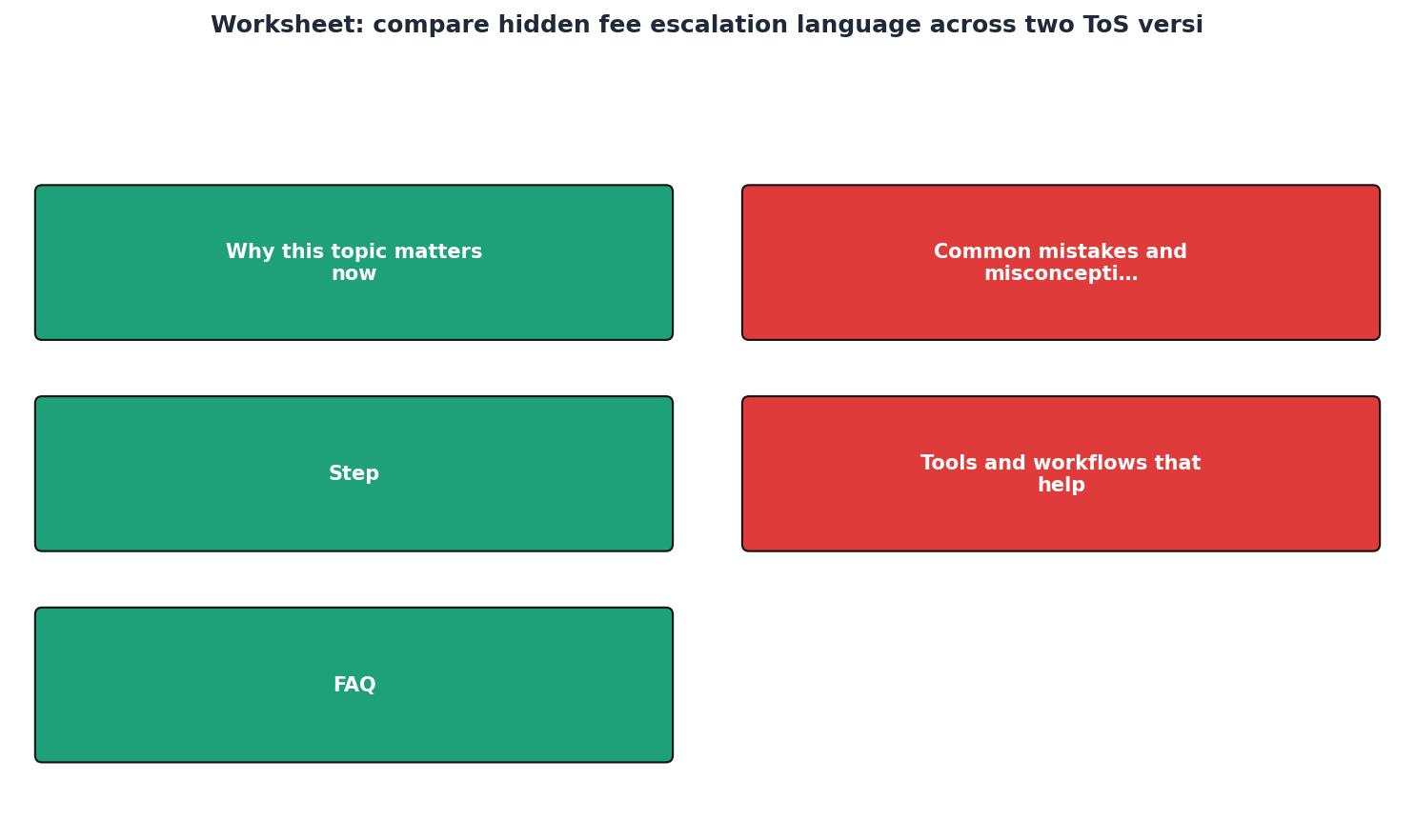
Process overview
Practical checklist: your ToS comparison
Use this checklist to ensure you've completed a thorough review:
ToS Fee Escalation Comparison Checklist
Your progress is saved automatically in your browser.
How Terms Doctor can help
Terms Doctor's automated checks flag suspicious pricing language, auto-renewal traps, and forced arbitration clauses, but this worksheet is your manual verification layer. The extension surfaces the red flags; this worksheet helps you trace exactly when and how the company loosened its restrictions on your wallet. Think of it as detective work: Terms Doctor gives you the initial lead; you do the legwork to confirm the trail.
FAQ
Frequently Asked Questions
Next steps
You now have a clear process to compare ToS versions and spot fee escalation traps. Start with one service you use regularly: download both the current and an older version, run through the checklist above, and build your archive. Once you've done one, the second and third feel faster. Over time, you'll develop an intuition for the red-flag phrases that companies use, and you'll be prepared when those price increases inevitably arrive.
Install the free Terms Doctor extension today to catch these issues automatically. While you're reading, let the extension scan the ToS and flag potential problems. Then use this worksheet for the deeper dives on services you're most concerned about.
Additional Resources
- Improved Atari TOS versions available - In any case, condition is that original TOS version(s) are available for desired language - 1.04 or 1.62 and by need 2.06 . Quote ...
- Be aware of different TOS versions - The STOS 2.6 program was using DMA Sound and fread into small memory double buffer (64k per buffer) and plays the sound. The compiled version ...
- Sample Cost Comparison Worksheet Official Travel - Cost Comparison Worksheet. Budget Operation and Execution Financial Reporting
Ready to Read Terms Before You Sign?
Terms Doctor finds terms of service on any site and grades them A-F in seconds.
Get Started“Terms Doctor flagged forced arbitration and AI training clauses in seconds. I finally know what I am agreeing to.”
Privacy-conscious shopper