Checklist: spot auto-renewal billing clauses before you subscribe
You found the perfect SaaS tool, entered your credit card, and clicked "Start Free Trial." Six months later you discover you have been billed every month since

Photo by Sergey Meshkov from Pexels
You found the perfect SaaS tool, entered your credit card, and clicked "Start Free Trial." Six months later you discover you have been billed every month since the trial ended, and the cancellation window closed two weeks ago. Auto-renewal clauses are the silent budget killers hiding in terms of service, and most people never read them until the charge appears on their bank statement. This checklist will teach you exactly what to look for so you never get caught off guard again.
TL;DR
- Auto-renewal clauses let companies charge you repeatedly unless you take action to cancel before a specific deadline.
- Look for five key elements: renewal trigger, notice period, price-change rights, cancellation method, and refund policy.
- Many services bury these clauses deep inside lengthy terms of service documents, use a tool like Terms Doctor to surface them instantly.
- Consumer-protection laws in the US (FTC guidelines, state auto-renewal statutes) and the EU (Consumer Rights Directive) require clear disclosure, but enforcement varies.
- A simple pre-signup checklist can save you hundreds of dollars a year in unwanted charges.
Why Auto-Renewal Clauses Matter More Than You Think

Auto-renewal (sometimes called "negative-option billing") means a subscription renews automatically at the end of each billing cycle unless you explicitly cancel. The model is everywhere: streaming services, cloud storage, project-management tools, domain registrars, even gym memberships. In principle, auto-renewal is convenient, you do not lose access to a tool you rely on. In practice, companies exploit the model by making cancellation hard, hiding renewal dates, or quietly raising prices between cycles.
The real cost of ignoring the fine print
Consider a freelancer who signs up for three SaaS tools at an average of $25 per month each. If even one of those tools auto-renews for a full year after the freelancer stops using it, that is $300 wasted. Multiply that across a small team and the numbers climb fast. The problem is not that auto-renewal exists; the problem is that the terms governing it are often vague, buried, or written in dense legalese.
What the law says (briefly)
In the United States, the FTC's Negative Option Rule and state-level statutes (California's ARL, New York's General Business Law § 527-a, and others) require businesses to clearly disclose auto-renewal terms before the consumer subscribes and to provide a simple cancellation mechanism. In the EU, the Consumer Rights Directive mandates pre-contractual information about the total price, including recurring charges. Despite these rules, compliance is inconsistent, and many services still make it unnecessarily difficult to find or understand their renewal terms.
Key takeaway: Auto-renewal is not inherently bad, but unclear or hidden renewal clauses can cost you real money, and a quick pre-signup review is your best defense.
The Five Elements of an Auto-Renewal Clause

Before you click "Subscribe," scan the terms of service for these five components. If any of them is missing or unclear, treat it as a red flag.
- Renewal trigger, Does the subscription renew monthly, annually, or at some other interval? Some services default to annual billing even when you signed up for a monthly trial.
- Notice period, How far in advance must you cancel to avoid the next charge? Common windows range from 24 hours to 30 days. A 30-day notice period on a monthly plan effectively means you must cancel almost immediately after being billed to avoid the next cycle.
- Price-change rights, Can the company raise the price at renewal without your explicit consent? Look for phrases like "prices subject to change" or "we may adjust fees at any time." The best terms commit to notifying you of price increases a set number of days before renewal.
- Cancellation method, Can you cancel online with a button, or must you email support, call a phone number, or even send a letter? The harder the cancellation process, the more likely you are to miss the window.
- Refund policy after renewal, If you miss the cancellation deadline, can you get a prorated refund? Many services state "all fees are non-refundable," which means a missed deadline costs you the full billing cycle.
"The aim is to be transparent, get proper consent, and offer an easy way to cancel.">, All about auto
Step-by-Step: How to Review Auto-Renewal Terms Before Subscribing
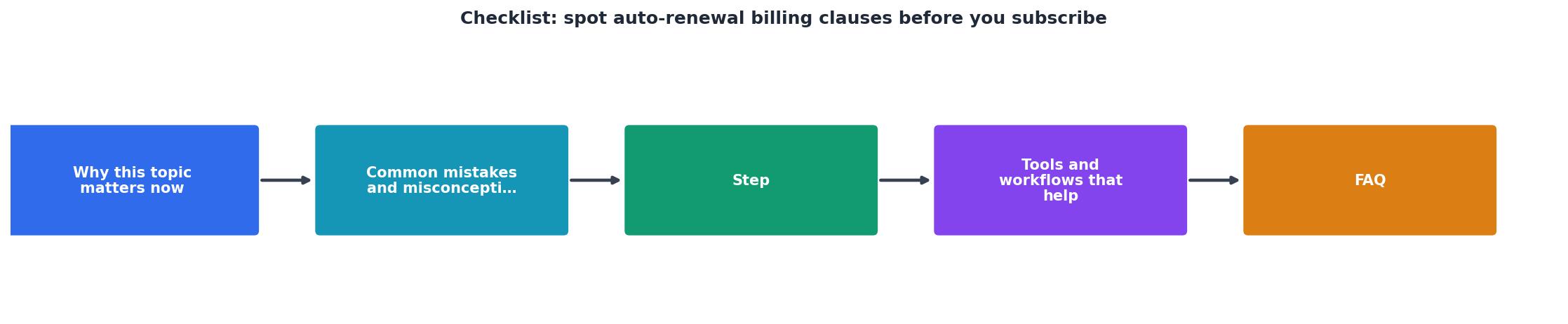
Follow these steps every time you consider a new subscription:
- Open the terms of service page. Look for links labeled "Terms of Service," "Terms and Conditions," "Subscription Agreement," or "Billing Terms", usually in the website footer or on the checkout page. If you have the Terms Doctor extension installed, it will automatically find and highlight the ToS link for you.
- Search for renewal keywords. Use
Ctrl + F(orCmd + Fon Mac) and search for: auto-renew, automatically renew, recurring, billing cycle, cancel, refund, notice period, and price change. Each hit is a clause worth reading carefully. - Map each clause to the five elements above. For every keyword match, determine which of the five elements it addresses. If you cannot find clear answers for all five, the terms are incomplete, and that is a warning sign.
- Check for dark patterns on the signup page. Is the annual plan pre-selected? Is the "free trial" checkbox already ticked? Are cancellation instructions hidden behind multiple clicks? These design choices often correlate with aggressive renewal terms.
- Set a calendar reminder. Even if the terms look fair, set a reminder three days before the renewal date. This gives you time to evaluate whether you still need the service and cancel if you do not.
- Run Terms Doctor's 101-check scan. Install the free extension for Chrome, Edge, Brave, Opera, or Vivaldi, navigate to the service's website, and let Terms Doctor grade the terms A through F. The auto-renewal check is one of the 101 consumer-protection checks it performs, and any red flags will be highlighted in plain language.
Your Pre-Signup Auto-Renewal Checklist
Auto-Renewal Billing Clause Checklist
Your progress is saved automatically in your browser.
Common Red Flags in Auto-Renewal Clauses
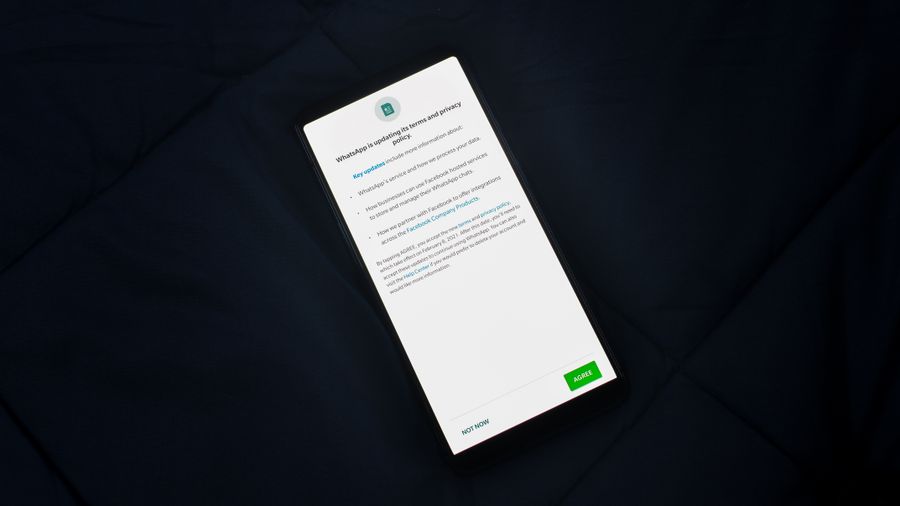
Not every auto-renewal clause is created equal. Here are the patterns that should make you pause:
- No mention of renewal at all. If the terms never explicitly state that your subscription renews automatically, the company may be violating disclosure laws, and you have little recourse if you are charged unexpectedly.
- Cancellation only by phone or postal mail. This is a classic friction tactic. If a service lets you sign up in two clicks but requires a phone call to cancel, the terms are designed to keep you paying.
- "Prices subject to change at any time." Without a commitment to advance notice, the company can double your rate at the next renewal and claim you agreed to it.
- No prorated refunds. A strict "all sales final" policy combined with a long billing cycle (annual, for example) means one missed cancellation deadline costs you a full year's fee.
- Bundled consent. Some checkout flows combine auto-renewal consent with marketing consent or data-sharing consent in a single checkbox. This makes it easy to agree to more than you intended.
- Silent trial-to-paid conversion. The terms state that your free trial converts to a paid plan automatically, but the service sends no reminder email before the first charge.
What to Do If You Have Already Been Charged
If you missed a renewal deadline, do not panic. Here is a quick action plan:
- Contact the company immediately. Many services will issue a courtesy refund if you reach out within a few days of the charge, even if their terms say otherwise.
- Check your consumer rights. In California, for example, a company that fails to provide clear auto-renewal disclosures may be required to refund the full amount. Similar protections exist in the EU under the Consumer Rights Directive.
- Dispute the charge with your bank. If the company refuses a refund and you believe the renewal terms were not properly disclosed, you can file a chargeback with your credit card issuer. Document everything: screenshots of the terms, the checkout page, and any (or lack of) renewal reminder emails.
- Leave a review. Honest reviews about billing practices help other consumers make informed decisions and put pressure on companies to improve their terms.
FAQ
Frequently Asked Questions
Let Terms Doctor Do the Heavy Lifting
You do not have to memorize this entire checklist or spend twenty minutes reading every terms page. Install the free Terms Doctor extension for Chrome, Edge, Brave, Opera, or Vivaldi, and let it scan the terms automatically. In seconds you will see an A-F grade, a plain-language summary of every red flag, including auto-renewal traps, and actionable recommendations. It is not legal advice, but it is the fastest way to make an informed decision before you hand over your credit card.
Disclaimer: This article is for informational purposes only and does not constitute legal advice. Automated checks provided by Terms Doctor are not a substitute for professional legal counsel.
Additional Resources
- All about auto-renew payment compliance - MC Professional - The clause should: Define the initial term and the renewal period Specify the notice period for termination and how to give that notice Outline ...
- Terms for Subscriptions, Auto-Renewals and Payments - Subscriptions, auto-renewals, and payment clauses explain to a consumer how these features work and how you expect remittance for them. This article will teach ...
- Auto-Renewal Clause Basics Every Contract Owner ... - Learn what an auto-renewal clause is, why notice deadlines get missed, what to negotiate, and how to track renewals before they happen.
Ready to Read Terms Before You Sign?
Terms Doctor finds terms of service on any site and grades them A-F in seconds.
Get Started“Terms Doctor flagged forced arbitration and AI training clauses in seconds. I finally know what I am agreeing to.”
Privacy-conscious shopper