Checklist: spot children's data collection clauses before you subscribe
You found a great new app for your kid, or maybe a SaaS tool your whole family will use. Before you tap "Subscribe," there is a question most people skip: does

Photo by cottonbro studio from Pexels
You found a great new app for your kid, or maybe a SaaS tool your whole family will use. Before you tap "Subscribe," there is a question most people skip: does this service collect data from children, and what exactly does it do with that data? Children's privacy clauses are buried deep inside terms of service, wrapped in legal language that even attentive adults miss. This checklist gives you a concrete, repeatable process to spot those clauses in minutes, no law degree required.
TL;DR
- Laws like COPPA (U.S.) and GDPR-K (EU) set strict rules for collecting data from children under 13 (or 16 in some EU countries), but many services bury compliance details in dense legal text.
- Look for five key signals: age-gating language, parental consent mechanisms, data-type disclosures, third-party sharing clauses, and retention/deletion policies.
- A quick Ctrl+F search for terms like "child," "minor," "parent," "guardian," and "under 13" can surface the most critical paragraphs in seconds.
- Terms Doctor's 101 automated checks flag children's data collection clauses automatically, saving you from manual scanning.
- Automated tools help, but they are not legal advice, always read flagged sections yourself before subscribing.
Why children's data clauses matter more than you think

Children's personal information is uniquely sensitive. Unlike an adult who can weigh the trade-off between convenience and privacy, a seven-year-old cannot meaningfully consent to having their voice recordings, location data, or browsing habits stored on a server halfway around the world. That is exactly why regulators treat children's data differently.
Yet many services that are not explicitly "for kids" still collect data from minors. Think about a family password manager, a homework-help AI tool, or a streaming service with a kids' profile. If the terms of service do not clearly address children's data, that is itself a red flag.
"The notice must describe not only your practices, but also the practices of any others collecting personal information on your site or service, for example, plug-ins or ad networks.">, Children's Online Privacy Protection Rule: A Six
Key takeaway: If a service can reasonably be used by children, its terms of service should explicitly address how it handles minors' data, silence on the topic is a warning sign, not a comfort.
The five signals to look for in any terms of service
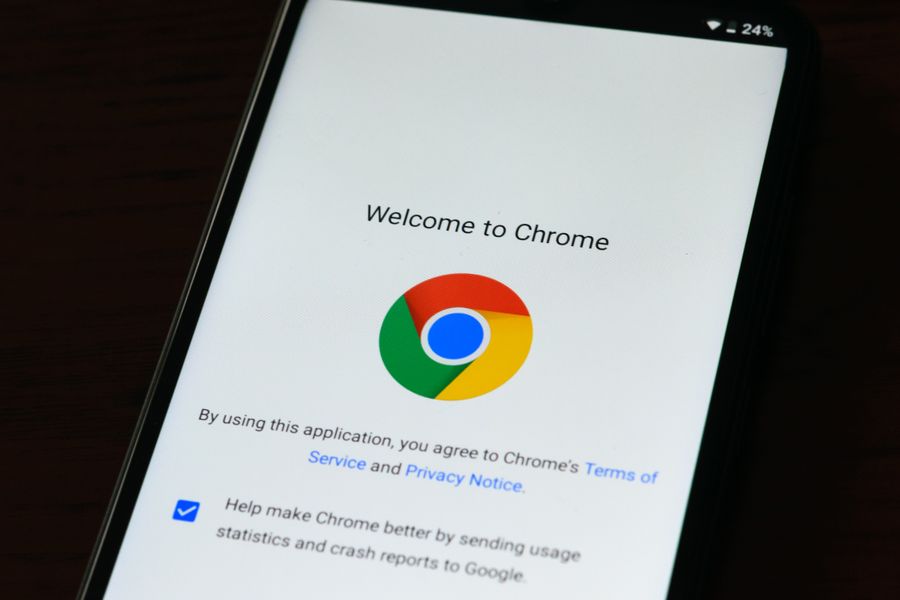
Before you open any terms page, know what you are hunting for. Children's data collection language clusters around five distinct signals:
- Age-gating or age-verification language, Phrases like "you must be at least 13 years old," "users under the age of 16," or "we do not knowingly collect information from children." This tells you whether the service even acknowledges minors.
- Parental or guardian consent mechanisms, Look for descriptions of how a parent can approve an account, review collected data, or request deletion. COPPA-compliant services must describe a verifiable consent process (email-plus, signed form, credit card verification, etc.).
- Data-type disclosures specific to minors, Does the policy list what categories of data are collected from children? Responsible services separate children's data types (name, school, age, device identifiers) from general user data.
- Third-party sharing and advertising clauses, COPPA prohibits conditioning a child's participation on disclosing more data than necessary. Check whether the service shares children's data with ad networks, analytics providers, or AI training pipelines.
- Retention and deletion policies, How long is children's data kept? Can a parent request deletion at any time? A compliant service will spell out a retention period and a clear deletion procedure.
Your step-by-step scanning process
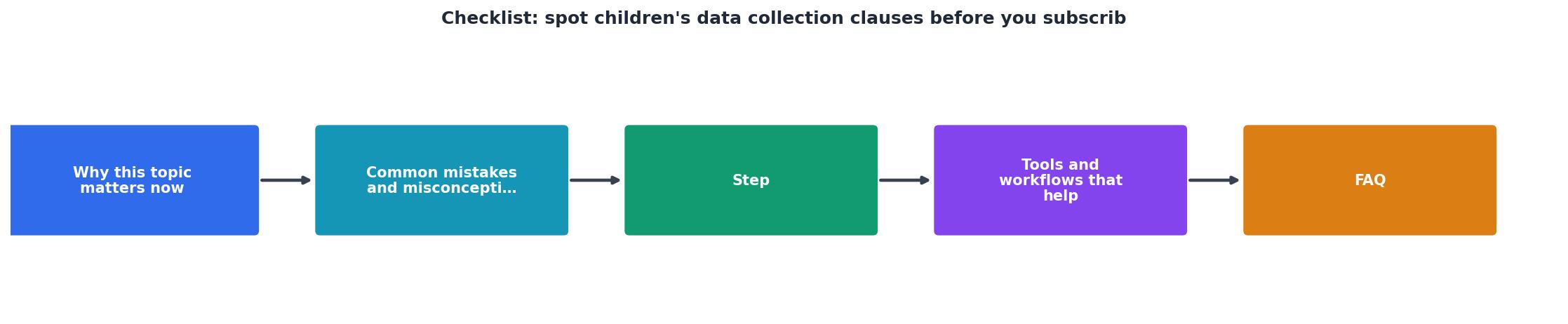
Follow these steps every time you evaluate a new service. The whole process takes five to ten minutes for a typical terms page.
Step 1, Open the terms and privacy policy side by side
Most services split their legal text into at least two documents: a "Terms of Service" (or "Terms of Use") and a "Privacy Policy." Children's data clauses can appear in either, or in a separate "Children's Privacy" addendum. Open all of them.
Step 2, Use keyword search
Press Ctrl+F (or Cmd+F on Mac) and search for these terms one by one:
childchildrenminorunder 13/under 16parentguardianCOPPAverifiable consentschool(relevant for EdTech tools)
Step 3, Check for a dedicated children's section
Well-structured policies include a clearly labeled section, often titled "Children's Privacy," "Information About Children," or "COPPA Compliance." If the service has no such section and is reasonably likely to be used by minors, treat that as a red flag.
Step 4, Evaluate third-party data sharing
Within any children's section, look for language about sharing data with advertisers, analytics services, or "business partners." Under COPPA, operators must disclose every third party that collects data through their service. Vague language like "we may share information with selected partners" without specifying who those partners are is a concern.
Step 5, Verify deletion rights
Confirm that the policy grants parents the right to review, correct, and delete their child's personal information. If the policy only mentions deletion "upon account termination" but not on parental request, the service may not be fully COPPA-compliant.
Step 6, Run Terms Doctor for an automated second opinion
Install the free Terms Doctor extension for Chrome, Edge, Brave, Opera, or Vivaldi. Navigate to the service's website and let Terms Doctor automatically locate the terms of service. The extension runs 101 consumer-protection checks, including specific flags for children's data collection, forced arbitration, AI training on user data, and auto-renewal traps, and assigns an A-F grade with plain-language explanations. Use the flagged items as a starting point for your manual review.
The complete checklist
Children's Data Collection Clause Checklist
Your progress is saved automatically in your browser.
Common red flags in real-world terms

Here are patterns that should make you pause before subscribing:
- "We do not knowingly collect data from children under 13", and nothing else. This single sentence is the bare minimum. Without details on what happens if a child does sign up, or how the service detects minors, it is essentially a legal disclaimer rather than a protection.
- No age gate at registration. If anyone can create an account without confirming their age, the service has no practical mechanism to enforce its own policy.
- Broad data sharing with unnamed third parties. Phrases like "trusted partners" or "affiliates" without a list or link to those partners make it impossible to assess risk.
- Behavioral advertising enabled for all users. If the privacy policy does not carve out an exception for children's profiles, minors may be subject to the same tracking as adults.
- No mention of parental deletion rights. COPPA requires operators to honor parental deletion requests. If the policy is silent, the service may not have a process in place.
- Data retention "for as long as necessary." Without a defined period, children's data could sit on servers indefinitely.
What to do when you find a problem
Spotting a problematic clause does not necessarily mean you must avoid the service entirely. Here is a practical decision tree:
- Missing children's section entirely, Email the service's privacy contact (usually listed at the bottom of the privacy policy) and ask how they handle data from users under 13. Document their response.
- Vague parental consent language, Ask specifically what verification method they use. If they cannot answer clearly, consider an alternative service.
- Third-party sharing without named partners, Request a list of sub-processors or advertising partners. GDPR-compliant services are required to maintain one.
- No deletion process, File a formal deletion request citing COPPA (in the U.S.) or GDPR Article 17 (in the EU). If the service does not respond within the legally required timeframe, you can file a complaint with the FTC or your national data protection authority.
- Everything checks out, Great. Save a copy of the current terms (or enable Terms Doctor's change tracking) so you will be alerted if the policy changes later.
FAQ
Frequently Asked Questions
Let Terms Doctor do the heavy lifting
Manually scanning every terms page is important but time-consuming. The free Terms Doctor extension for Chrome, Edge, Brave, Opera, and Vivaldi automates the first pass for you. It finds the terms of service on any website, runs 101 consumer-protection checks, including children's data collection, forced arbitration, AI training on user data, and auto-renewal traps, and delivers an A-F grade with plain-language explanations. Install it from the homepage and pair it with the checklist above for a thorough, repeatable review process. Automated checks are a effective starting point, but they are not legal advice, always read flagged clauses yourself before making a decision.
Additional Resources
- Children's Online Privacy Protection Rule: A Six-Step ... - When it comes to the collection of personal information from children under 13, the Children's Online Privacy Protection Act puts parents in control.
- COPPA Checklist: Children's Online Privacy Protection Act - Checklist Data collection from children under 13 isn't prohibited, but organizations must follow specific COPPA procedures to ensure compliance.
- COPPA Compliance: key requirements for 2026 - Must specify the data collection, usage, sharing, and retention periods · Include contact details and a link to the parental consent process (if ...
Ready to Read Terms Before You Sign?
Terms Doctor finds terms of service on any site and grades them A-F in seconds.
Get Started“Terms Doctor flagged forced arbitration and AI training clauses in seconds. I finally know what I am agreeing to.”
Privacy-conscious shopper