

Photo by Towfiqu barbhuiya from Pexels
Every time you browse an online store, dozens of cookies land in your browser before you even add an item to your cart. Some are essential for checkout; others track you across the web so advertisers can retarget you for weeks. The cookie policy is the document that is supposed to explain all of this, yet most shoppers never read it, and many store owners copy-paste a template without understanding what it promises.
In this guide we break down exactly what a solid e-commerce cookie policy should contain, which red flags Terms Doctor catches automatically, and how you can protect yourself (or your store) in under five minutes.
TL;DR
- E-commerce cookie policies must disclose every cookie category, its purpose, and its retention period.
- Many stores bury third-party advertising trackers under vague "performance" labels, Terms Doctor flags this immediately.
- Consent mechanisms that pre-tick non-essential cookies violate GDPR and similar regulations.
- Auto-renewal and data-sharing clauses often hide in the broader terms of service, not just the cookie policy.
- Running Terms Doctor's 101 checks on any store gives you an instant A-F grade so you know what you are agreeing to.
Why cookie policies matter more than you think
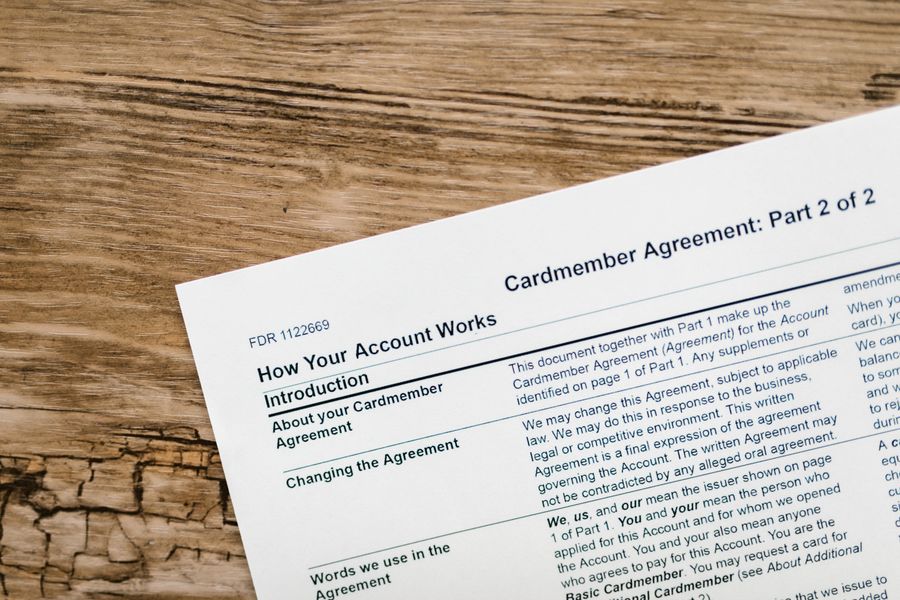
A cookie policy is not just a legal formality. Under the GDPR (EU), the ePrivacy Directive, California's CCPA/CPRA, and Brazil's LGPD, online stores are required to tell visitors exactly which cookies they set, why they set them, and how long they persist. Failure to do so can result in fines, but more importantly for shoppers, a vague or missing cookie policy is a strong signal that the store does not take your privacy seriously.
Consider what cookies can reveal about you on a typical e-commerce site:
- Session cookies keep your cart alive while you shop, these are generally harmless and necessary.
- Authentication cookies remember your login so you do not have to re-enter credentials on every page.
- Analytics cookies (Google Analytics, Hotjar, etc.) track which pages you visit, how long you stay, and where you click.
- Advertising and retargeting cookies (Meta Pixel, Google Ads, TikTok Pixel) follow you across the internet to serve targeted ads.
- Third-party social-media cookies load when a store embeds a Facebook Like button or an Instagram feed.
The top red flags Terms Doctor catches first

When you activate Terms Doctor on an e-commerce site, the extension locates the terms of service, privacy policy, and cookie policy automatically. It then runs 101 consumer-protection checks and highlights issues in plain language. Here are the cookie-related flags that appear most often on online stores:
1. Missing or incomplete cookie inventory
A compliant cookie policy should list every cookie by name (or at least by category), state who sets it (first-party vs. third-party), explain its purpose, and specify its expiration. Many stores skip the inventory entirely and write a single paragraph saying "we use cookies to improve your experience." Terms Doctor flags this as an incomplete disclosure.
2. Pre-ticked consent boxes
Under GDPR, consent must be freely given, specific, informed, and unambiguous. A cookie banner that arrives with "marketing" and "analytics" boxes already checked does not meet that standard. Terms Doctor checks whether the policy language implies opt-out rather than opt-in consent and raises a warning.
3. No option to withdraw consent
Regulation requires that withdrawing consent be as easy as giving it. If the cookie policy says you can manage preferences but provides no link to a preference center or instructions for clearing cookies, Terms Doctor flags the gap.
4. Vague third-party data sharing
Phrases like "we may share data with selected partners" without naming those partners or linking to their privacy policies are a classic red flag. Terms Doctor highlights vague sharing language and checks whether specific third parties (ad networks, analytics providers) are disclosed.
5. Unlimited retention periods
Some cookie policies fail to state how long cookies persist. A tracking cookie with no stated expiration could theoretically follow you for years. Terms Doctor flags any policy that omits retention timelines.
6. AI training on user data
A growing number of e-commerce platforms include clauses allowing them to use browsing behavior and purchase data to train machine-learning models. This is rarely mentioned in the cookie policy itself but often appears in the broader terms of service. Terms Doctor cross-references both documents and alerts you when AI-training language is present.
"Don't forget this other essential document for eCommerce: Terms and Conditions.">, Cookie banner for eCommerce: what you need to know
Key takeaway: A cookie policy that lacks a detailed cookie inventory, relies on pre-ticked consent, or hides third-party sharing behind vague language is a sign the store prioritizes its own convenience over your privacy.
How Terms Doctor scans a cookie policy step by step
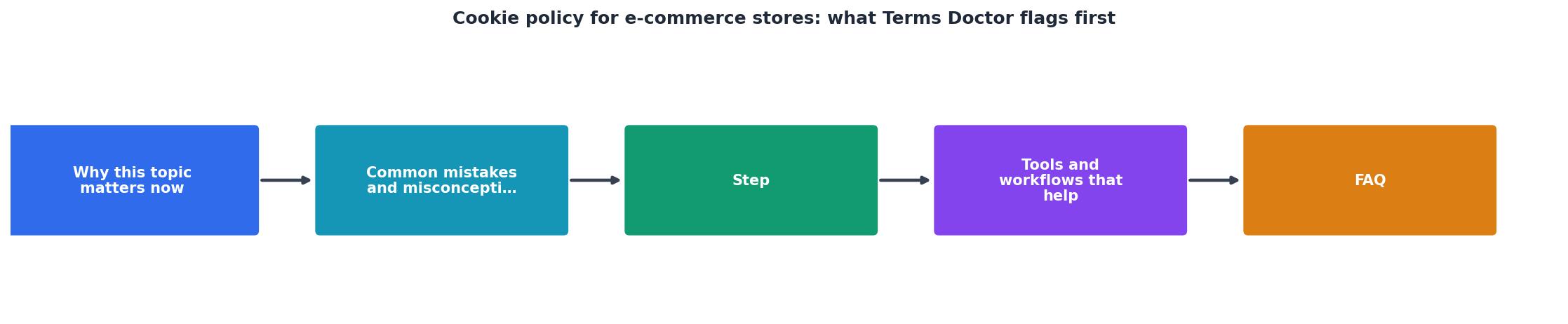
Understanding the process helps you trust the results. Here is what happens behind the scenes when you click the Terms Doctor icon on any e-commerce site:
- Automatic document discovery, The extension scans the page footer, navigation, and common URL patterns (
/cookie-policy,/cookies,/legal/cookies) to locate the cookie policy. It also finds the terms of service and privacy policy. - Text extraction and normalization, The raw text is cleaned of HTML artifacts, pop-up overlays, and duplicate paragraphs so the analysis engine works with a consistent input.
- 101-check analysis, Each check maps to a specific consumer-protection concern: forced arbitration, auto-renewal traps, AI data training, cookie consent gaps, and dozens more. The engine scores every check as pass, warning, or fail.
- A-F grading, Individual check results are weighted and combined into a single letter grade. An "A" means the store's legal documents are transparent and consumer-friendly; an "F" means multiple serious red flags were found.
- Plain-language report, You see a summary with highlighted clauses, not legal jargon. Each flag links back to the exact sentence in the policy so you can read it in context.
Your cookie-policy review checklist

Whether you are a shopper evaluating a new store or a store owner auditing your own policy, use this checklist to catch the most common issues:
E-Commerce Cookie Policy Review Checklist
Your progress is saved automatically in your browser.
If more than two items remain unchecked after your review, the policy likely needs revision, or you should think twice before shopping on that site.
Common cookie-policy mistakes store owners make
Even well-intentioned e-commerce businesses stumble on cookie compliance. Here are the patterns Terms Doctor surfaces most frequently when store owners run the extension on their own sites:
- Relying on a generic template, Cookie-cutter policies from website builders rarely reflect the actual cookies your site sets. If you added a Facebook Pixel last month but your policy still lists only "essential cookies," you are out of compliance.
- Forgetting embedded content, A YouTube video on a product page sets cookies from
youtube.com. An embedded Google Map on the contact page does the same fromgoogle.com. These must be disclosed. - Ignoring mobile and app cookies, If your store has a companion app, the cookie policy on your website may not cover SDK-based tracking in the app. Terms Doctor flags when a policy references only "website" without mentioning apps.
- No version history, Regulations expect you to keep records of policy changes. A "last updated" date alone is not enough if you cannot show what changed.
How to fix a failing cookie policy
If Terms Doctor gives your store a low grade, here is a practical action plan:
- Audit your actual cookies, Use your browser's developer tools (Application → Cookies) or a scanning tool to list every cookie your site sets. Note the name, domain, purpose, and expiration.
- Categorize honestly, Sort cookies into essential, analytics, marketing, and social-media buckets. Do not label a retargeting pixel as "functional."
- Rewrite the policy in plain language, For each category, write one or two sentences explaining what the cookies do and why you need them. Link to third-party providers' privacy policies.
- Implement a proper consent banner, Use a consent management platform (CMP) that blocks non-essential cookies until the visitor actively opts in. Make sure the "Reject all" button is as prominent as "Accept all."
- Add a preference center, Give visitors a page where they can change their cookie choices at any time. Link to it from the cookie policy and the site footer.
- Set a review schedule, Every time you add a new marketing tool, payment processor, or analytics service, update the cookie policy. Review it at least quarterly.
- Re-scan with Terms Doctor, After making changes, run the extension again to confirm your grade has improved and no new flags appear.
FAQ
Frequently Asked Questions
Protect yourself in one click
You should not need a law degree to understand what an online store does with your data. The free Terms Doctor extension for Chrome, Edge, Brave, Opera, and Vivaldi finds the cookie policy (and every other legal document) on any site, runs 101 consumer-protection checks, and gives you a clear A-F grade in seconds. Install it from the homepage and shop with confidence, or audit your own store before your customers do.
Disclaimer: This article is for informational purposes only and does not constitute legal advice. Always consult a qualified professional for legal questions specific to your situation.
Additional Resources
- Cookie banner for eCommerce: what you need to know - Display a cookie banner at the user's first visit Block non-exempt cookies (e.g. via Google Analytics, Adsense etc.) before obtaining user ...
- Cookie Policy - Cookies often store the name of the website and a unique ID associated with your browser or device. we may not place Cookies without your consent.
- Cookies Policy vs Cookie Consent - A Cookies Policy is a public statement that provides information to your website visitors about the user data your cookies track, why that ...