

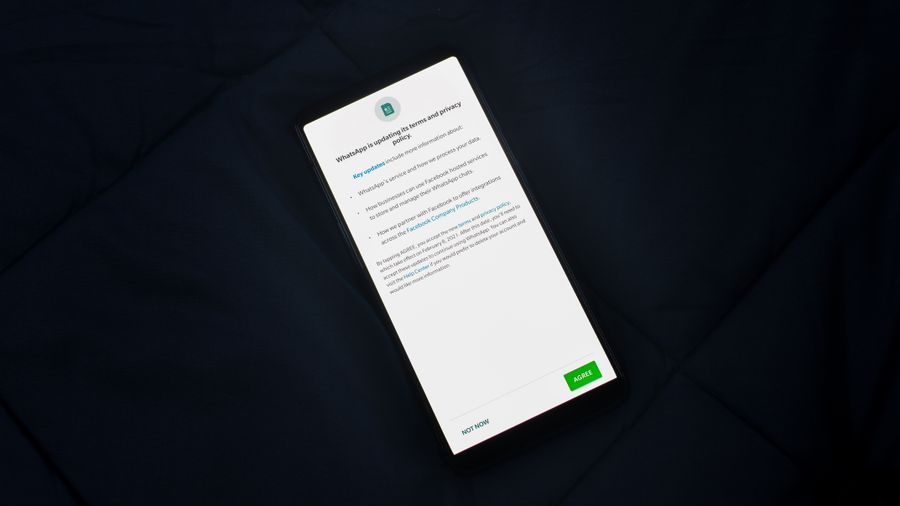
Photo by Nerfee Mirandilla from Pexels
Mobile apps collect data just as aggressively as websites, sometimes more so, yet their cookie and tracking policies are often buried three taps deep in a settings menu nobody opens. If you sign up for SaaS tools, marketplaces, or AI-powered apps on your phone, you deserve to know exactly what tracking happens before you tap "Accept." This guide walks through the specific cookie-policy red flags that Terms Doctor catches first, so you can make informed decisions without reading twenty pages of legalese.
TL;DR
- Mobile apps use device identifiers, SDKs, and traditional cookies in web views, all of which should be disclosed in a cookie or tracking policy.
- Terms Doctor runs 101 automated checks and assigns an A-F grade, highlighting missing consent mechanisms, vague data-sharing language, and silent auto-renewal clauses.
- Many apps bury opt-out instructions or omit them entirely; Terms Doctor flags this within seconds.
- Cookie policies that allow unlimited third-party sharing without naming partners are a top red flag.
- Automated checks are a effective first pass, but they are not legal advice, always consult a professional for binding decisions.
Why mobile apps need a cookie policy in the first place

When people hear "cookies," they picture the small text files websites drop in a browser. Mobile apps work differently, they rely on device advertising IDs (like Apple's IDFA or Google's GAID), embedded web views that do use traditional cookies, and third-party SDKs that fire tracking pixels behind the scenes. Regulations such as the GDPR's ePrivacy Directive and California's CCPA treat all of these as functionally equivalent to cookies. That means any app available to users in the EU or California needs a clear disclosure of what tracking technologies it uses, why, and how users can opt out.
Despite this, a surprising number of apps either lack a dedicated cookie or tracking policy or fold a single vague sentence into a sprawling privacy policy. The result is that users tap "I agree" without any real understanding of the data exchange they just authorized. Terms Doctor exists to close that gap: it automatically locates the terms of service and related policies on a site or app's web presence, then runs its 101 consumer-protection checks to surface the clauses that matter most.
The first five red flags Terms Doctor looks for
Not every clause carries the same risk. Terms Doctor prioritizes the issues that have the biggest practical impact on your privacy and wallet. Here are the top five flags it raises when scanning a mobile app's cookie policy:
- No consent mechanism described. If the policy says the app uses cookies or tracking technologies but never explains how you can accept, reject, or manage them, Terms Doctor flags it immediately. Under the GDPR, pre-ticked boxes and implied consent are not valid, users must take an affirmative action.
- Unnamed third-party data recipients. Phrases like "we may share data with our partners" without listing categories of partners or linking to their privacy policies are a major red flag. You cannot make an informed choice if you do not know who receives your data.
- No distinction between essential and non-essential tracking. A well-written policy separates strictly necessary cookies (session management, security tokens) from analytics, advertising, and social-media trackers. When everything is lumped together, the app is effectively forcing you to accept advertising tracking just to use basic features.
- Missing retention periods. Cookie policies should state how long each type of cookie or identifier persists. A session cookie that expires when you close the app is very different from a persistent advertising ID that follows you for 13 months. Terms Doctor checks for the presence of retention language and flags its absence.
- Silent auto-renewal tied to tracking consent. Some subscription apps bundle ongoing tracking consent with auto-renewal terms. If you cancel the subscription, your tracking preferences may reset to defaults. Terms Doctor cross-references auto-renewal clauses with cookie consent language to catch this pattern.
How Terms Doctor scans a mobile app's web policies, step by step
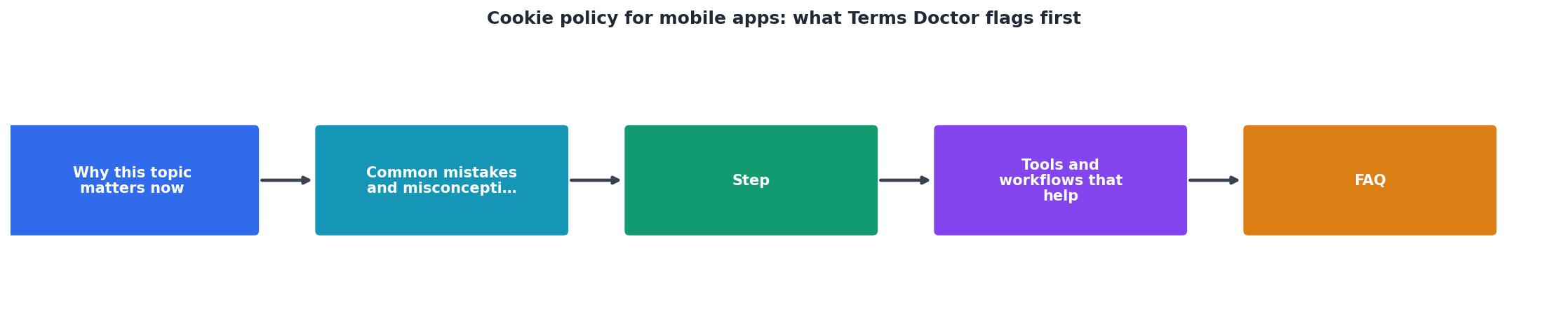
Even though Terms Doctor is a browser extension (available for Chrome, Edge, Brave, Opera, and Vivaldi), it is perfectly suited for reviewing mobile app policies because virtually every app publishes its terms and cookie policy on a companion website or app-store listing page. Here is the exact workflow:
- Install the free extension. Visit the Terms Doctor download section on the homepage and add it to your browser in one click.
- Navigate to the app's website or app-store page. For example, open the web version of the app's landing page where the terms of service link lives.
- Let Terms Doctor auto-discover the ToS. The extension scans the page for links to terms of service, privacy policies, and cookie policies. You do not need to hunt for them manually.
- Review the A-F grade. Within seconds, Terms Doctor assigns a letter grade based on all 101 checks. An "A" means the policy is unusually transparent and fair; an "F" means multiple critical red flags were found.
- Drill into highlighted clauses. Each flagged clause is color-coded by severity. Red items, like missing consent mechanisms or blanket third-party sharing, appear at the top. Yellow items are cautionary but less urgent.
- Compare versions over time. If you revisit the same app's policy later, Terms Doctor's change-tracking feature shows exactly which sentences were added, removed, or modified since your last check.
Common cookie-policy tricks in mobile apps

Beyond the five primary red flags, Terms Doctor also catches subtler patterns that many users overlook:
- Fingerprinting disclosure buried in FAQ pages. Some apps disclose browser or device fingerprinting not in the cookie policy itself but in a help-center article. Terms Doctor follows linked pages to surface these disclosures.
- "Legitimate interest" as a catch-all. Under the GDPR, companies can claim a legitimate interest to process data without explicit consent, but only for narrowly defined purposes. Apps that cite legitimate interest for advertising tracking are stretching the definition, and Terms Doctor flags this language.
- Opt-out via email only. If the only way to revoke cookie consent is to send an email to a privacy team and wait for a manual response, that is not a genuine opt-out mechanism. Terms Doctor checks whether the policy describes an in-app toggle, a browser setting, or a one-click link, and warns you when it finds only an email address.
- Cross-device tracking without disclosure. Many mobile apps sync your activity with their web platform using deterministic or probabilistic matching. If the cookie policy does not mention cross-device tracking, Terms Doctor raises a flag because your data footprint is larger than the policy admits.
"44% of respondents said transparency about data use would improve their trust in a brand.">, What is a Cookie Banner and Why Do You Need One?
That statistic underscores why vague cookie policies are not just a legal risk, they erode the trust that keeps users coming back. Transparency is a competitive advantage, and Terms Doctor helps you identify which apps take it seriously.
Your mobile app cookie-policy audit checklist
Use this checklist every time you evaluate a new app. It mirrors the checks Terms Doctor performs automatically, but it is also useful for a manual review when you want to dig deeper.
Mobile App Cookie Policy Audit
Your progress is saved automatically in your browser.
If an app's policy fails more than three of these items, think carefully before granting it access to your data. And remember: Terms Doctor can run these checks for you in seconds, but the results are informational, they are not legal advice.
FAQ
Frequently Asked Questions
Take control of your mobile app privacy today
You should not need a law degree to understand what a mobile app does with your data. The free Terms Doctor extension for Chrome, Edge, Brave, Opera, and Vivaldi finds the terms of service and cookie policies on any app's website, runs 101 consumer-protection checks, and gives you a clear A-F grade in seconds. Install it from the homepage and start reviewing the apps you rely on every day, your data is worth the minute it takes.
Additional Resources
- What is a Cookie Banner and Why Do You Need One? - A cookie banner delivers a first impression for website visitors. It informs them how their personal data is used and helps websites comply with privacy laws ...
- How to Write a Cookies Policy - Yes, you need a Cookies Policy, or at least a "cookies" section in your main Privacy Policy, if you operate a website or app that uses cookies.
- Cookies policy - European Commission - Europa.eu - First party cookies are cookies set by the website you're visiting. First-party persistent cookie, up to 7 days. you first have to accept their specific terms ...