

You install a fitness app, tap "I agree," and five minutes later you're scrolling through workout videos. But what just happened to your location data, health metrics, and personal information? Most people skip privacy policies entirely, and that's exactly where mobile apps hide their most aggressive practices.
Privacy policies for mobile apps are rarely read, often buried, and designed to be confusing. When you combine that with the intimate data apps collect (your location, contacts, health stats, payment info), the stakes become much higher than a desktop website's cookie policy. Terms Doctor flags dozens of red flags in mobile app terms and privacy policies that most people never see until it's too late.
TL;DR
- Mobile apps collect more personal data than websites, but disclose it less clearly.
- Terms Doctor automatically finds and grades privacy policies, flagging 101 consumer-protection issues including forced arbitration, AI training on user data, and hidden auto-renewal clauses.
- The most common red flags in mobile app privacy policies are: unclear data sharing with third parties, vague retention periods, and automatic location tracking.
- Always check whether an app uses your data for AI training, sells it to advertisers, or requires binding arbitration if something goes wrong.
- The free Terms Doctor extension scans any app's terms or privacy policy in seconds and gives you a plain-language grade.
Why mobile app privacy policies are different

A mobile app lives on your phone. It sits next to your photos, your location history, your contacts, and your payment methods. Unlike a website you visit in your browser, an app is installed, persistent, and deeply integrated into your device. This proximity to sensitive data is why app privacy policies demand extra scrutiny.
Mobile apps request permission for invasive data collection in ways desktop websites simply cannot:
- Location tracking, Real-time, all-day monitoring of where you are.
- Contact access, Direct read of your entire contact list, sometimes sold to marketers.
- Calendar and email, Apps read what events you're attending and who you're communicating with.
- Health and fitness data, Heart rate, steps, sleep patterns, menstrual cycle data.
- Payment and biometric data, Fingerprints, face recognition, and linked credit cards.
Key takeaway: Mobile apps collect more intimate personal data than websites, and their privacy policies are deliberately harder to find and read on small screens.
The red flags Terms Doctor finds first
Terms Doctor's 101 consumer-protection checks are designed to surface the issues that hurt users most. When you scan a mobile app's privacy policy, Terms Doctor immediately highlights:
1. Forced arbitration clauses
If the app forces you into binding arbitration instead of letting you sue, you've lost your legal rights. You cannot band together with other affected users; you must hire a lawyer and fight alone, privately, with the company picking the arbitrator. Forced arbitration appears in nearly 1 in 5 app terms of service.
What to look for: Phrases like "any dispute shall be resolved through binding arbitration" or "you agree not to participate in class action litigation."
2. AI training on your personal data
This is the red flag that exploded in 2024. Many apps now claim the right to use your data, your messages, photos, location, health info, to train their AI models, often without explicit opt-out. Some don't even tell you it's happening.
What to look for: "We may use your data to improve our machine learning models," "to train our AI," or "for research and development purposes."
3. Hidden auto-renewal and billing practices
You sign up for a "free trial," and 30 days later your credit card is charged. The policy mentions the renewal in fine print, buried in a long paragraph about billing. Mobile apps are notorious for this because small-screen ToS are even harder to skim.
What to look for: References to "automatic renewal," "trial period," "unless you cancel," or vague language about "ongoing charges."
4. Vague data retention and deletion promises
An app says "we keep your data for as long as necessary", but necessary for what? To send you ads for the next five years? To sell it to data brokers forever? Terms Doctor flags policies that don't give you a concrete timeline or deletion mechanism.
What to look for: Phrases like "indefinitely," "as long as we deem necessary," or no mention of deletion at all.
5. Automatic location tracking without clear opt-out
Many apps turn on location tracking by default or hide the opt-out in labyrinthine settings. A weather app that needs your location is one thing; a shopping app that tracks you 24/7 is another.
What to look for: Default-on location permissions, claims that "precise location is required for the service," or no mention of how to disable tracking.
How to read a mobile app privacy policy

Most app privacy policies are intentionally hard to access and hard to read. But you can find them:
- On your phone: Open the app, go to Settings or About, and look for "Privacy Policy," "Terms of Service," or "Legal."
- On the app store: In the App Store or Google Play listing, scroll to the bottom and tap "Privacy policy" (often a link to the company's website).
- On the company website: Visit the company's main domain and look for a footer link to "Privacy" or "Legal."
"This really is the most incredible service that most website owners should consider using.">, Privacy guidelines for health apps
Key takeaway: Finding an app's privacy policy is the first step; understanding what it allows is the second. Terms Doctor automates both.
Red flags checklist for mobile apps

Before you hit "Install," print this checklist and cross off each item as you review the app's privacy policy:
Mobile App Privacy Policy Red Flags
Your progress is saved automatically in your browser.
Step-by-step: scanning an app with Terms Doctor
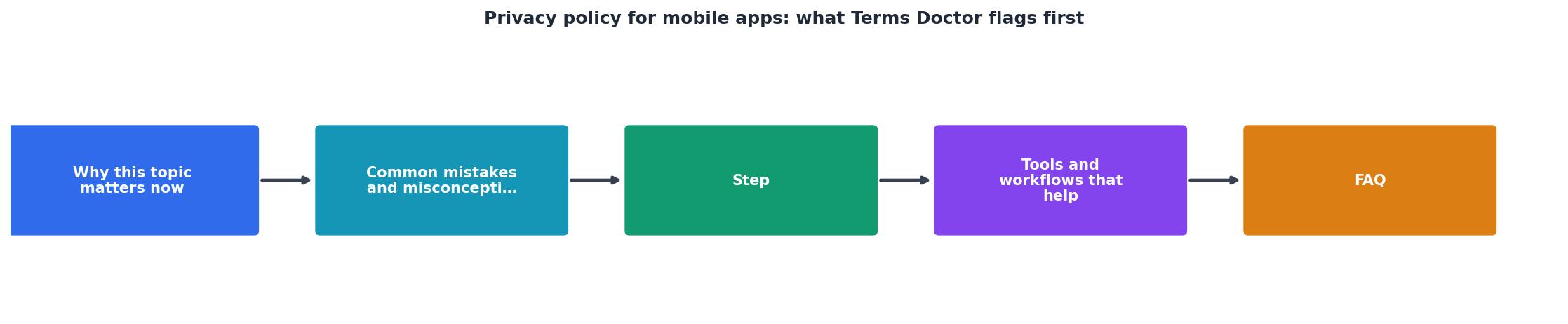
- Download Terms Doctor (free) for Chrome, Edge, Brave, Opera, or Vivaldi.
- Find the app's privacy policy using the methods above.
- Open the policy in your browser (it's almost always a webpage).
- Terms Doctor activates automatically and scans the page in real time.
- You'll see a letter grade (A–F) and a breakdown of which checks passed and which flagged red flags.
- Click any red flag to see exactly which sentence triggered it and why it matters.
- Compare your app against competitors by running the same scan on their policies.
What an A-grade privacy policy looks like
Not all apps are designed to squeeze your data. Some companies actually care about privacy. An A-grade policy (according to Terms Doctor) typically includes:
- Clear data collection: Lists exactly what data is collected and why.
- Explicit opt-ins: Asks permission before collecting sensitive data (location, contacts, health).
- Transparent sharing: Names specific partners and what data they receive; no "we may share with unaffiliated third parties."
- Easy deletion: Lets you delete your account and all data in-app with one tap.
- No forced arbitration: Preserves your right to sue or join a class action.
- No AI training without consent: If the app uses data for ML, you can opt out.
- Concrete retention periods: "We delete payment info 30 days after your account closes" is better than "as long as necessary."
- Privacy controls: Lets you disable location, limit ad tracking, and adjust what data you share.
FAQ
Frequently Asked Questions
The bottom line: take 60 seconds now
Your data is your most valuable asset. It powers AI models, targets you with ads, and can be sold without your knowledge. Mobile apps are where companies most aggressively pursue that data, because your phone is always with you, and the permissions are hard to understand on a tiny screen.
Terms Doctor is free. It's a browser extension that finds privacy policies and terms of service automatically, runs 101 consumer-protection checks, and grades them A–F in plain language. No legal background required. No signup or account necessary.
Before you install your next app or subscribe to a new service, take 60 seconds to pull up its privacy policy and run it through Terms Doctor. See what it flags. Compare it to competitors. You might be surprised, or relieved, by what you learn.
Remember: automated checks are not legal advice, but they're a fast, free way to spot the red flags that matter most. Get started today at termsdoctor.com.
Additional Resources
- Privacy guidelines for health apps - The following must be disclosed to users: If their data will be protected by medical secrecy. · Definitions that you use in your Privacy Policy ...
- App Privacy Policy Essentials, Examples & Common ... - A compliant privacy policy for mobile apps clearly and simply explains what data is collected, how it is used, with whom it is shared, and user ...
- Mobile App Privacy Policy Template - It is [Business name]'s policy to respect your privacy and comply with any applicable law and regulation regarding any personal information we may collect ...