
Photo by Neil Yonamine from Pexels
When you sign up for a SaaS tool, whether it's a project management app, analytics platform, or AI writing assistant, you're often handing over sensitive data: customer emails, financial records, internal strategy docs. A Data Processing Agreement (DPA) is the legal contract that spells out exactly how the vendor will handle that data, who can access it, and what happens if there's a breach. Yet most B2B buyers never see one until they're ready to pay, and many vendors don't offer one at all.
Key takeaway: A missing or poorly drafted DPA leaves your company exposed to data misuse, regulatory fines, and vendor lock-in. Terms Doctor's 101 checks catch the red flags first, so you know what to negotiate before you sign.
TL;DR- A DPA is mandatory if you're processing personal data under GDPR, CCPA, or other privacy laws; missing one is a legal risk.
- Terms Doctor flags missing DPAs, weak data security clauses, and vague data deletion policies in seconds.
- Common red flags: no sub-processor list, unlimited data retention, no audit rights, and mandatory data sharing with third parties.
- Always ask for a signed DPA before going live, even if the vendor says "our standard terms cover it."
- Use a checklist to audit any DPA you receive, don't rely on the vendor's word alone.
Why a DPA matters for your business

If you're in the EU, UK, or California, privacy laws require that any vendor touching your customer data has a written DPA in place. Without one, you can face fines up to 4% of global revenue (GDPR) or $7,500 per violation (CCPA). That's not hyperbole, regulators have levied these penalties against companies that used vendors without proper data-processing contracts.
But even if you're outside those regions, a DPA protects you. It:
- Defines exactly what data the vendor can use. No ambiguity about whether they can train AI models on your customer records or sell anonymized insights to rivals.
- Sets security standards. Encryption, access controls, breach notification timelines, all in writing.
- Gives you audit rights. You can verify the vendor is doing what they promised.
- Specifies data deletion. When your contract ends, your data vanishes (or you confirm it does).
- Clarifies liability. If the vendor is hacked and your data leaks, you know where the responsibility lies.
"A missing DPA is like a time bomb in your company.">, Data Processing Agreement (DPA) for SaaS Tools: The Complete Practical Checklist
Without a DPA, you're betting the vendor will "do the right thing." That's not a strategy, it's wishful thinking.
What Terms Doctor flags in a DPA, the checklist
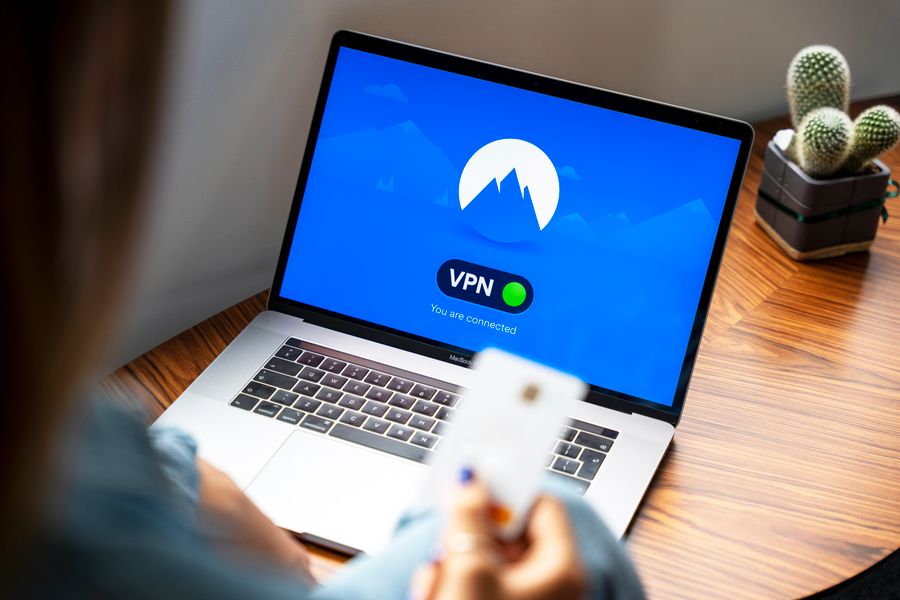
Terms Doctor runs 101 checks on any terms of service or privacy policy. When it comes to DPAs, here are the top red flags it catches:
1. No DPA offered at all
If a vendor says "our privacy policy is our DPA" or "we don't have a separate agreement," that's a yellow flag. A privacy policy describes the vendor's privacy practices; a DPA spells out the legal relationship between you and the vendor. You need both.
2. Weak or missing data security clause
Look for specifics: encryption at rest and in transit, multi-factor authentication, annual security audits, and penetration testing. Vague language like "reasonable measures" or "industry-standard security" doesn't cut it.
3. Unlimited or unclear data retention
The DPA should say exactly how long the vendor keeps your data after your contract ends. If it says "as long as needed for legal or business purposes," that's undefined, your data could linger for years.
4. No sub-processor list or approval process
Sub-processors are third parties the vendor uses (e.g., cloud hosting, backup services). A good DPA lists them and says you can object to new ones. A bad one hides them.
5. Data shared with AI training or analytics
Many modern SaaS vendors now say they use your data for "product improvement" or "model training." That's a dealbreaker if your data is sensitive. The DPA must explicitly opt you out unless you consent.
6. No audit or inspection rights
You should be able to audit the vendor's security practices, either directly or through a third-party auditor. If the DPA forbids it, you have no way to verify they're actually secure.
7. Unclear breach notification
The DPA should promise notification "without undue delay" and within a specific timeframe (e.g., 72 hours). Vague timelines invite delays that could make your own regulatory notification miss critical deadlines.
How to audit a DPA in 5 steps

Once a vendor gives you a DPA, don't just sign it. Walk through these steps:
Step 1: Confirm the data scope
Read the definition of "Personal Data" in the DPA. Does it match what you'll actually upload? If you plan to import customer emails and company names, make sure those are explicitly covered. If the definition is vague ("any information provided by the Customer"), that's fine, but confirm it in writing.
Step 2: Check the sub-processor schedule
Every DPA includes a list of sub-processors (the tools the vendor uses behind the scenes). Scan that list:- Do you recognize the companies?
- Are any located in countries with weak privacy laws?
- Is there an approval process if the vendor wants to add a new sub-processor?
Step 3: Review security and audit clauses
Look for:- Encryption: Does the vendor encrypt data in transit and at rest?
- Access controls: How do they prevent employees from snooping on your data?
- Audit rights: Can you (or a third-party auditor you hire) inspect their systems?
- Certifications: Do they have SOC 2, ISO 27001, or similar?
Step 4: Confirm data deletion and export rights
Find the clause on what happens when your contract ends. Ideally:- You can export all your data in a standard format (CSV, JSON).
- The vendor deletes your data within 30 days (or you can request they keep it longer if you're in litigation).
- They certify deletion in writing.
Step 5: Flag anything about AI, analytics, or third-party use
Search the DPA for phrases like:- "Improve our products or services"
- "Train machine learning models"
- "Aggregate or anonymize"
- "Share with third parties"
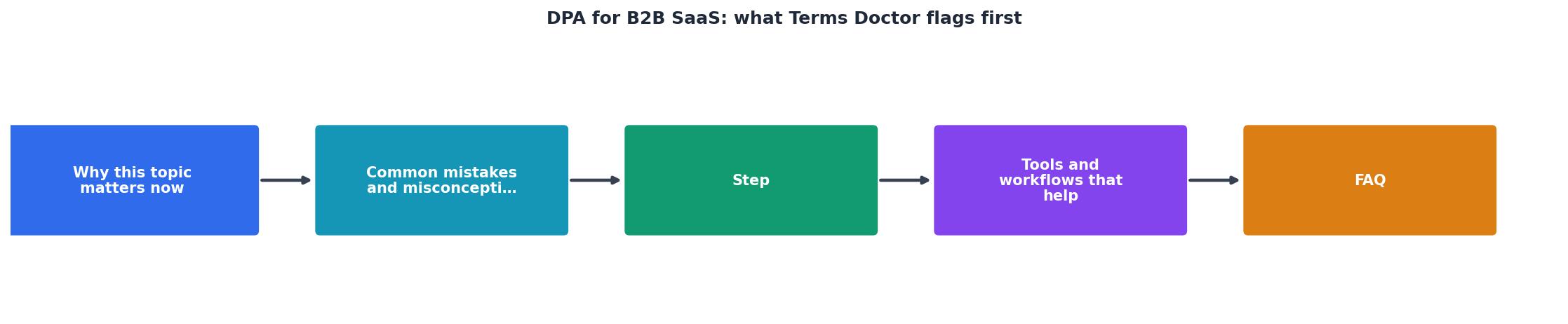
DPA Audit Checklist
Your progress is saved automatically in your browser.
Red flags that demand renegotiation
Some DPA clauses are deal-breakers. Here's what to push back on:
| Red Flag | Why It Matters | Your Move |
|---|---|---|
| "We may use your data for any purpose we deem necessary." | Unlimited use = risk of data abuse or re-sale. | Demand a specific list of permitted purposes. |
| "Sub-processors may be added or removed at our discretion." | Vendor can move your data to a sketchy partner without warning. | Require 30-day notice and your right to object. |
| "Data retention is indefinite." | Your data lives forever on their servers, bigger breach surface. | Negotiate a hard deletion date (e.g., 30–90 days post-termination). |
| "We are not liable for data breaches caused by third parties." | Vendor outsources security to cheap providers, then disclaims responsibility. | Require vendor to vet sub-processors and maintain liability. |
| "Audit rights are limited to annual reviews only." | You can't respond quickly to a security incident. | Demand right to audit on reasonable notice (e.g., 10 business days). |
| "Personal data is treated as our confidential information." | They can hide data breaches from you under NDAs. | Ensure breach notification happens regardless of confidentiality. |
Why Terms Doctor matters for DPA review
Manually reading a 15-page DPA takes time and legal knowledge most people don't have. That's where Terms Doctor helps. The extension:
- Scans the vendor's public terms instantly and flags missing DPAs, weak security language, and vague data-handling policies.
- Grades the terms A–F so you know at a glance if it's a risk.
- Highlights exactly where the problem is in the text, no digging through 50 pages of legalese.
- Tracks changes if the vendor updates their terms (you get notified of new risks).
- Works on any website, even if the vendor's ToS is buried in a footer link.
Note: Automated checks are not a substitute for legal advice. If you're processing sensitive data or operating under strict regulatory requirements, always have a lawyer review the final DPA before you sign.
Frequently Asked Questions
Ready to audit your SaaS DPAs?
Install Terms Doctor now and scan any vendor's terms instantly. Identify data protection risks in seconds, not hours.
Get Terms Doctor FreeStart auditing your SaaS vendors today
If you're signing up for a new B2B SaaS tool or reviewing an existing one, don't skip the DPA. A few minutes of due diligence now can save you from a data breach, regulatory fine, or worse later.
Use Terms Doctor for free to instantly scan any vendor's terms of service and privacy policy. The extension is available for Chrome, Edge, Brave, Opera, and Vivaldi, just install it, visit the vendor's website, and click the icon to see all the red flags in seconds. Then use the checklist in this article to dig into the DPA itself. You'll know exactly what you're agreeing to, and you'll have a list of negotiation points ready for the sales team.
Your data is valuable. Make sure your vendors treat it that way.
Additional Resources
- Data Processing Agreement (DPA) for SaaS Tools - Brixon - As a rule of thumb: Whenever a SaaS tool processes personal data on your behalf, you need a DPA. In practical terms, this means you need a DPA for almost every ...
- SaaS Terms of Service Legal Requirements 2026 - SaaS terms of service legal requirements have evolved for 2026: DPA clauses, limitation of liability, IP ownership, AI-specific terms, auto- ...
- Here's why your SaaS needs a DPA - The data processing agreement (DPA) is how data controllers and data processors ensure that all parties are meeting the data privacy ...